Start sending renewal notification for orders
Turn On renewal notification on site
Turn on send renewal notification on site Settings page => from nav on left click on 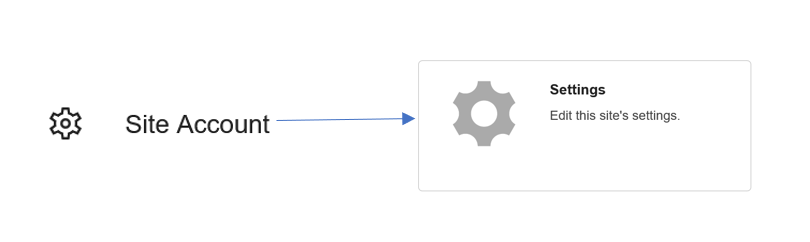
Or go to https://mchn.siteUrl/siteSettings.php?
 Set the interval for sending notifications. Setting the interval means when you want to send notification for an order. Ex: if you pick 1 month it will send notification 1 month before order renews.

Customer can turn it on/off on member Settings page from nav on the right click on 
or go to https://mchn.siteUrl/memberSettings.php

You can edit the email template for renewal notification on https://mchn.yourSi/siteDocuments.php?&siteID=yourSiteID
Make sure your siteID is added to renewalNotification script
Was this article helpful?
That’s Great!
Thank you for your feedback
Sorry! We couldn't be helpful
Thank you for your feedback
Feedback sent
We appreciate your effort and will try to fix the article